2.1 KiB
2.1 KiB
| title | date | tags | categories | |||
|---|---|---|---|---|---|---|
| Three.js初见(2) | 2022-04-10 22:02:34 |
|
|
自定义几何体
Three.js当中的几何体都是由若干个三角形构成的 哪怕是球形、圆柱形这些立体图形,也不存在真正的曲面,只不过这些三角形越是细小,拼凑起来越接近曲面的效果
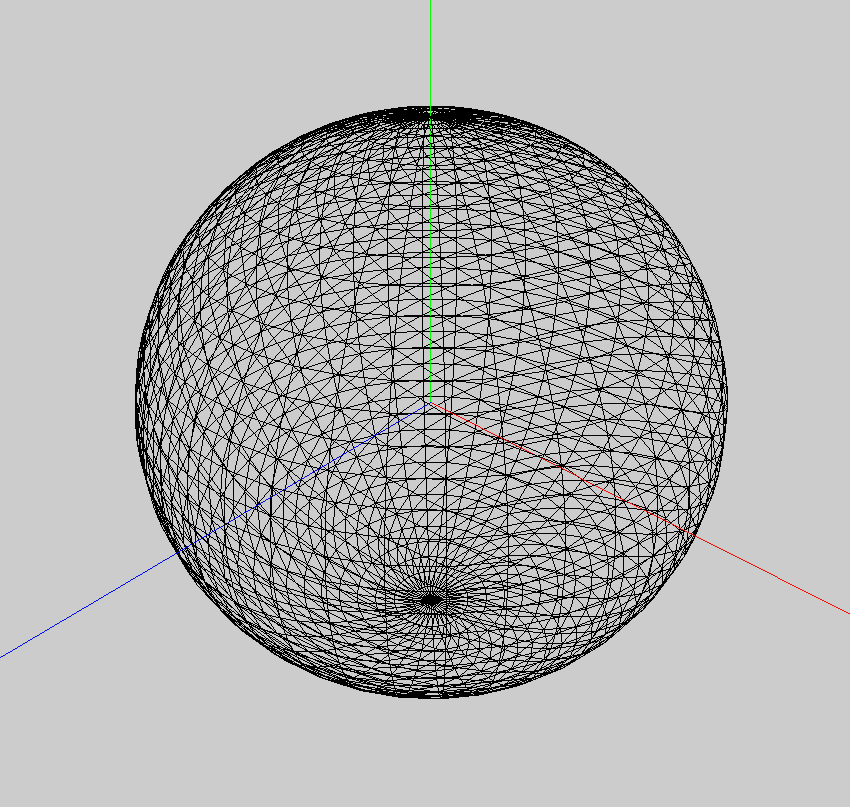
基于这种方式,我们可以构造自定义的图形
需要使用类型化数组TypedArray
const geometry = new THREE.BufferGeometry(); //创建一个Buffer类型几何体对象
// 类型数组创建顶点数据
const vertices = new Uint8Array([
  0, 0, 0, // 顶点1坐标
  10, 0, 0, // 顶点2坐标
  0, 20, 0, // 顶点3坐标
  0, 0, 10, // 顶点4坐标
  0, 0, 1, // 顶点5坐标
  20, 0, 1, // 顶点6坐标
])
// 创建属性缓冲区对象
const attribue = new THREE.BufferAttribute(vertices, 3) // 3个为一组,表示一个顶点的xyz坐标
// 设置几何体的位置属性
geometry.setAttribute('position', attribue)
// 三角面(网格)渲染模式
const material = new THREE.MeshBasicMaterial({
  color: 0x0000ff, // 三角面颜色
  side: THREE.DoubleSide // 两面可见
})
const mesh = new THREE.Mesh(geometry, material)
scene.add(mesh)
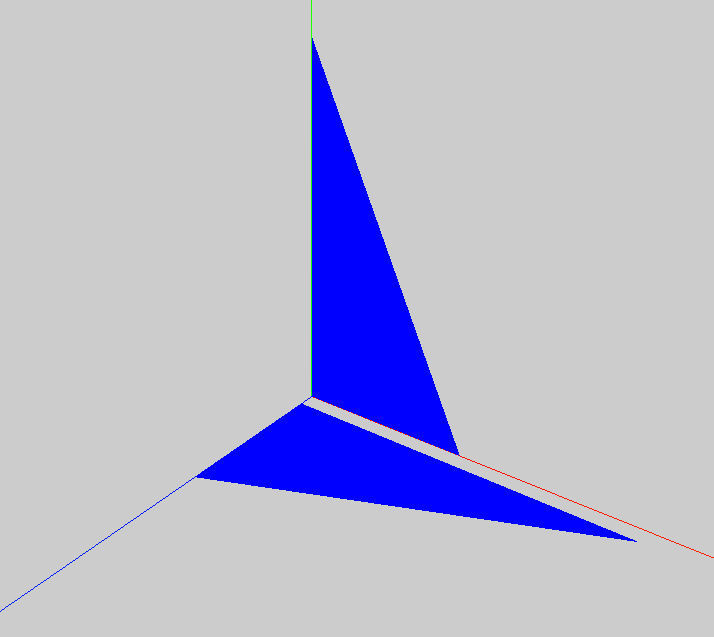
上面的代码中使用的是Uint8Array, 实际上可以使用任何一种类型数组
点材质和线材质
上面的例子当中使用的是网格材质 threejs还提供了点材质和线材质
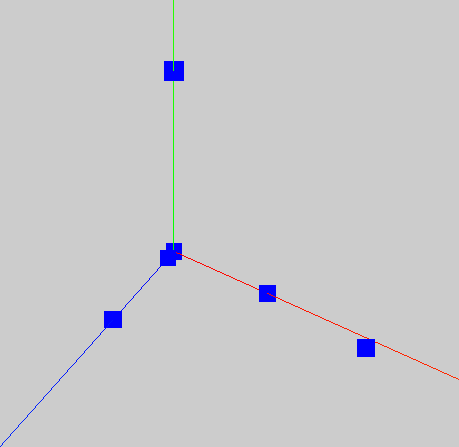
// 点材质
const material = new THREE.PointsMaterial({
  color: 0x0000ff,
  size: 2
})
const points = new THREE.Points(geometry, material)
scene.add(points)
// 线材质
const material=new THREE.LineBasicMaterial({
  color: 0x0000ff // 线条颜色
})
const line = new THREE.Line(geometry, material) // 线条模型对象
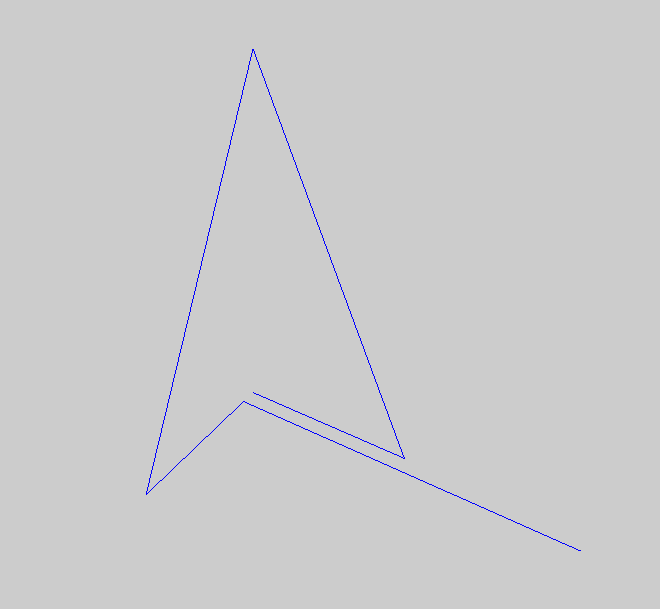
scene.add(line) // 线条对象添加到场景中